


The Best Wallet for StarkNet
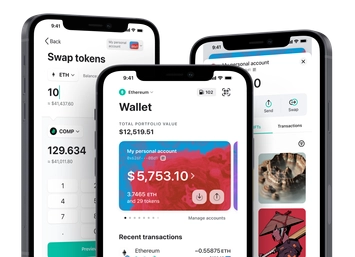
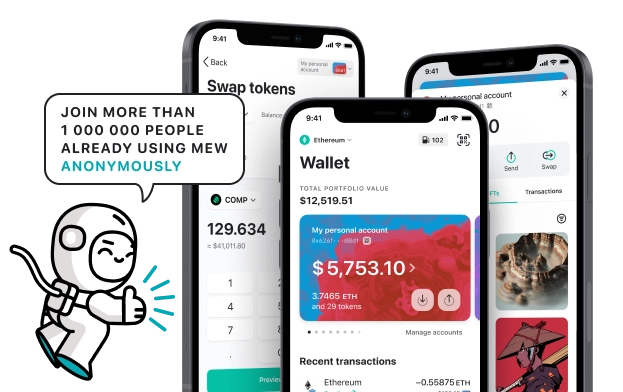
MEW Wallet provides a superior user experience when utilizing StarkNet's STRK token. Our user-friendly interface simplifies your interactions with StarkNet and allows for more efficient management of their native STRK tokens. MEW Wallet was designed for the best user experience and offers an intuitive interface for storing, trading, sending, and receiving STRK tokens.

Install Mobile
STRK Wallet

MEW wallet
Available for iOS and Android


Install Browser STRK Wallet

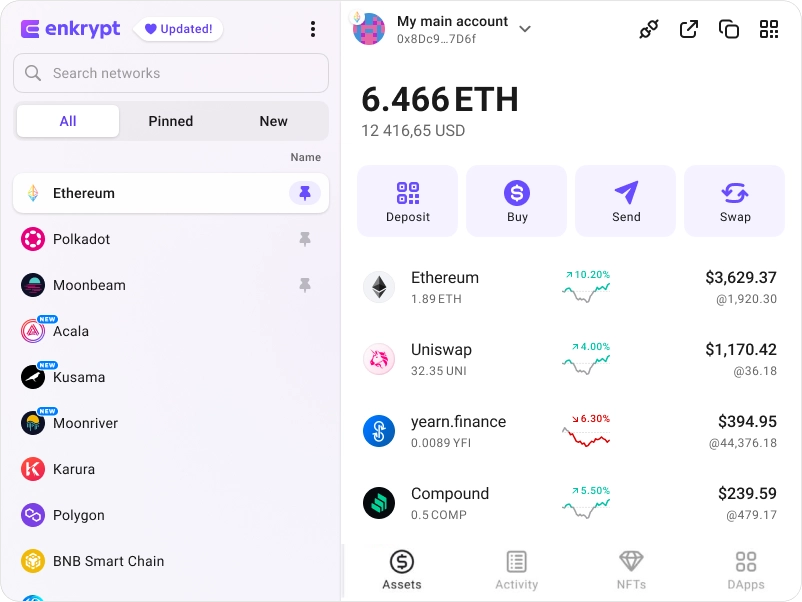
available as an extension for your favorite browser


Why MyEtherWallet is the best StarkNet wallet in 2024?

Manage your NFTs quickly and easily.
Native staking options to earn more on your crypto.
Our non-custodial wallets mean you own your crypto.
Manage multiple accounts on multiple networks
Open sourced and community verified.
What is StarkNet (STRK)?
StarkNet (STRK) is a permissionless, decentralized network that operates as a 'Validity-Rollup' (or 'ZK-Rollup'), a second layer atop Ethereum that allows for unrestricted scalability for decentralized applications (dApps) while preserving Ethereum's core features. It uses STARK, a highly secure and scalable proof system. StarkNet operates on contracts and an operating system coded in Cairo to accommodate various business logic. The STRK token will be used for network transaction fees, allowing users to choose between ETH and STRK payments; as a governance tool, allowing STRK recipients to make decisions regarding StarkNet's future; and, eventually, in an envisioned proof-of-stake model, to facilitate decentralized network operations.
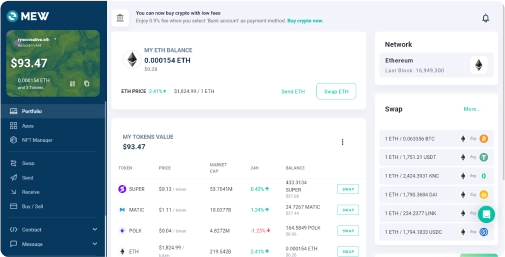
You can view, swap, send and receive STRK tokens directly from your MEW Wallet. To receive your STRK tokens you can send them to your public wallet address. You can then view them in your MEW Wallet by selecting your wallet and selecting the token from the tokens list. You should see the STRK token information page. You can send your STRK tokens in your MEW Wallet by clicking the ‘Send’ button and entering the recipient’s wallet address. To swap your STRK tokens, you can click the ‘Swap’ button and choose which tokens you want to swap to. However, if the ‘Swap’ button is not active you will need to use a DEX to swap your tokens.
You can view, swap, send and receive STRK tokens directly from your MEW Wallet. To receive your STRK tokens you can send them to your public wallet address. You can then view them in your MEW Wallet by selecting your wallet and selecting the token from the tokens list. You should see the STRK token information page. You can send your STRK tokens in your MEW Wallet by clicking the ‘Send’ button and entering the recipient’s wallet address. To swap your STRK tokens, you can click the ‘Swap’ button and choose which tokens you want to swap to. However, if the ‘Swap’ button is not active you will need to use a DEX to swap your tokens.
View STRK Contracts

Explore other tokens

Ethereum
ETH

Turbo
TURBO

TrueUSD
TUSD

Centrifuge
CFG

PAX Gold
PAXG

Succinct
PROVE

Moon Tropica
CAH

Mask Network
MASK

Polkadot
DOT

Falcon USD
USDF

AxyCoin
AXYC

American Airlines Group ($AAL) tokenized stock
AALON

Compound
COMP

Venus
XVS

Automata Network
ATA

Restaked Swell Ethereum
RSWETH

DOLA
DOLA

Lombard Staked BTC
LBTC

AMD ($AMD) tokenized stock
AMDON

Marlin
POND

GAM3S.GG
G3

tBTC
TBTC

Movement
MOVE

Origin Protocol
OGN