


The Best Wallet for Squidgrow
Discover Squidgrow, a revolutionary meme coin ecosystem accessible through MEW Wallet. Seamlessly navigate our user-friendly interface to engage in effortless storage, trading, sending and receiving of SQUIDGROW tokens, facilitating a simple crypto experience.

Install Mobile
SQGROW Wallet

MEW wallet
Available for iOS and Android


Install Browser SQGROW Wallet

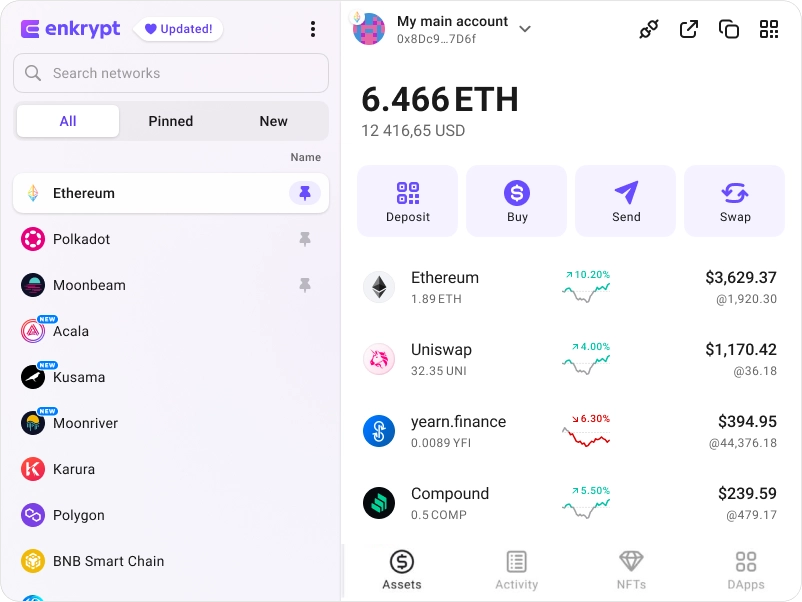
available as an extension for your favorite browser


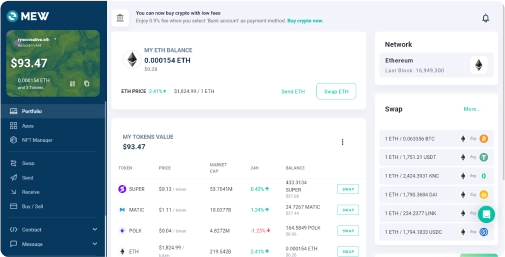
Why MyEtherWallet is the best Squidgrow wallet in 2024?

Our non-custodial wallets mean you own your crypto.
Hodl you crypto in a wallet trusted by millions.
Swap crypto directly from your wallet.
Connect your Ledger or Trezor to add an extra layer of security.
All of Ethereum and so much more natively integrated.
What is Squidgrow (SQGROW)?
Squidgrow is a revolutionary utility-meme token secure on both BNB and ETH networks. They are committed to becoming a leader in the industry by seamlessly blending cutting-edge technology and fun elements. Their mission extends to crafting an ecosystem featuring a diverse range of crypto products geared towards user-driven demands.
SquidGrow's success stems from a robust community, experienced team, visionary development of utilities, and strategic execution. Key partnerships with the Ryoshi network and Ultimo bolster their strength. Ryoshi's L2 platform augments SHIB’s ecosystem utility, empowering the creation of decentralized blockchain applications. Meanwhile, Ultimo offers widespread usability with a crypto debit card accepted nearly everywhere.
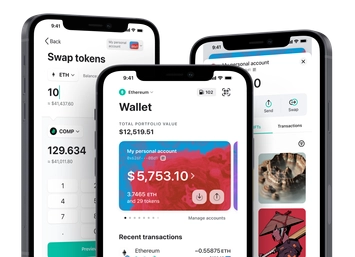
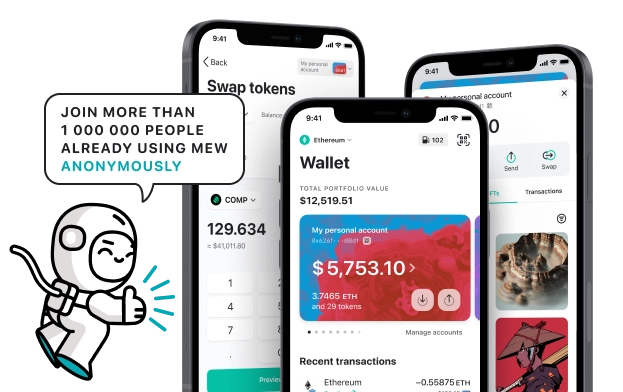
You can view, swap, send and receive SQUIDGROW tokens directly from your MEW Wallet. To receive your SQUIDGROW tokens you can send them to your public wallet address. You can then view them in your MEW Wallet by selecting your wallet and selecting the token from the tokens list. You should see the SQUIDGROW token information page. You can send your SQUIDGROW tokens in your MEW Wallet by clicking the ‘Send’ button and entering the recipient’s wallet address. To swap your SQUIDGROW tokens, you can click the ‘Swap’ button and choose which tokens you want to swap to. However, if the ‘Swap’ button is not active you will need to use a DEX to swap your tokens.
SquidGrow's success stems from a robust community, experienced team, visionary development of utilities, and strategic execution. Key partnerships with the Ryoshi network and Ultimo bolster their strength. Ryoshi's L2 platform augments SHIB’s ecosystem utility, empowering the creation of decentralized blockchain applications. Meanwhile, Ultimo offers widespread usability with a crypto debit card accepted nearly everywhere.
You can view, swap, send and receive SQUIDGROW tokens directly from your MEW Wallet. To receive your SQUIDGROW tokens you can send them to your public wallet address. You can then view them in your MEW Wallet by selecting your wallet and selecting the token from the tokens list. You should see the SQUIDGROW token information page. You can send your SQUIDGROW tokens in your MEW Wallet by clicking the ‘Send’ button and entering the recipient’s wallet address. To swap your SQUIDGROW tokens, you can click the ‘Swap’ button and choose which tokens you want to swap to. However, if the ‘Swap’ button is not active you will need to use a DEX to swap your tokens.
View SQGROW Contracts

Explore other tokens

Squidgrow
SQGROW

Loopring
LRC

Metacade
MCADE

PolkaBridge
PBR

zKML
ZKML

Amazon ($AMZN) tokenized stock
AMZNON

Moonriver
MOVR

Wells Fargo ($WFC) tokenized stock
WFCON

Curve DAO
CRV

Oasis
ROSE

AIOZ Network
AIOZ

ChainGPT
CGPT

Fidelity Digital Interest Token
FDIT

Worldcoin
WLD

Arbitrum
ARB

Rocket Pool
RPL

Block ($XYZ) tokenized stock
XYZON

USD Coin
USDC

Mantle
MNT

Node AI
GPU

DOLA
DOLA

Moonbeam
GLMR

Tether
USDT

Aragon
ANT