



The Best Wallet for ParagonsDAO
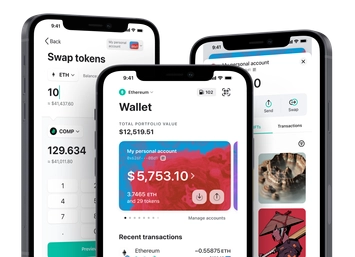
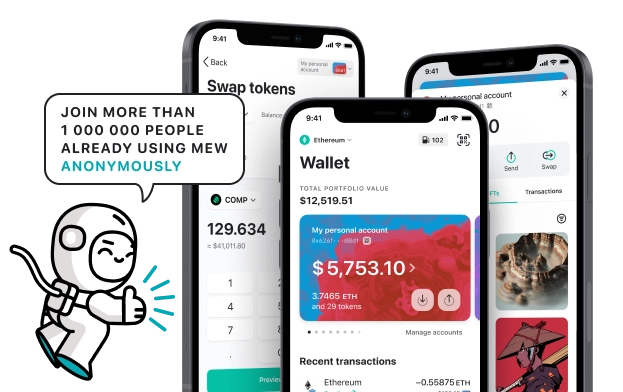
Level up your user experience on ParagonsDAO with MEW Wallet! MEW Wallet’s intuitive UI seamlessly integrates with ParagonsDAO and its native PDT tokens, offering the best user experience. MEW Wallet makes it effortless to store, trade, send, and receive PDT tokens while making interactions with ParagonsDAO straightforward and efficient.

Install Mobile
PDT Wallet

MEW wallet
Available for iOS and Android


Install Browser PDT Wallet

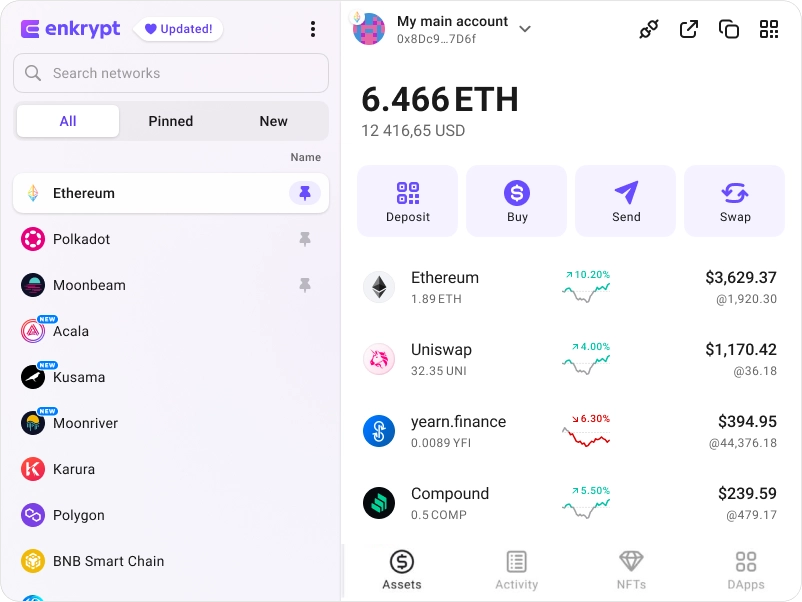
available as an extension for your favorite browser


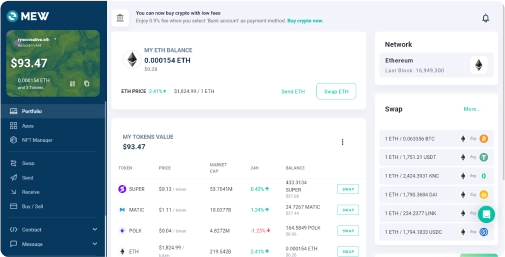
Why MyEtherWallet is the best ParagonsDAO wallet in 2024?

Buy and sell crypto with your bank card.
Swap crypto directly from your wallet.
Connect your Ledger or Trezor to add an extra layer of security.
Manage your NFTs quickly and easily.
Hodl you crypto in a wallet trusted by millions.
What is ParagonsDAO (PDT)?
ParagonsDAO, formerly ParallelDAO, is a partner decentralized autonomous organization (DAO) that contributes to the development and growth of promising blockchain-based gaming ecosystems, initially focusing primarily on the Parallel TCG game. Through its PDT token, the DAO's members govern its assets and participate in expanding the game ecosystem by engaging in activities such as hosting tournaments, sponsoring players, and creating content. ParagonsDAO intends to support and boost the user base growth of Parallel and, in future, other ecosystems by fostering strategic partnerships within the NFT and DeFi communities. At the early stage of the games, the DAO emphasizes community building, offering wider accessibility beyond whales to encourage more users' participation. The future course of action for ParagonsDAO is collectively decided by its community members.
You can view, swap, send and receive PDT tokens directly from your MEW Wallet. To receive your PDT tokens you can send them to your public wallet address. You can then view them in your MEW Wallet by selecting your wallet and selecting the token from the tokens list. You should see the PDT token information page. You can send your PDT tokens in your MEW Wallet by clicking the ‘Send’ button and entering the recipient’s wallet address. To swap your PDT tokens, you can click the ‘Swap’ button and choose which tokens you want to swap to. However, if the ‘Swap’ button is not active you will need to use a DEX to swap your tokens.
You can view, swap, send and receive PDT tokens directly from your MEW Wallet. To receive your PDT tokens you can send them to your public wallet address. You can then view them in your MEW Wallet by selecting your wallet and selecting the token from the tokens list. You should see the PDT token information page. You can send your PDT tokens in your MEW Wallet by clicking the ‘Send’ button and entering the recipient’s wallet address. To swap your PDT tokens, you can click the ‘Swap’ button and choose which tokens you want to swap to. However, if the ‘Swap’ button is not active you will need to use a DEX to swap your tokens.
View PDT Contracts

Explore other tokens

Optimism
OP

ParagonsDAO
PDT

Moon Tropica
CAH

Unibot
UNIBOT

Basic Attention Token
BAT

Numbers Protocol
NUM

Spell Token
SPELL

Lido DAO
LDO

Kendu Inu
KENDU

Cult DAO
CULT

Render
RENDER

Crypto Asset Governance Alliance
CAGA

LEO Token
LEO

sUSDS
SUSDS

EURC
EURC

World Liberty Financial USD
USD1

Squidgrow
SQGROW

XYO
XYO

Block ($XYZ) tokenized stock
XYZON

Stader MaticX
MATICX

Stratos
STOS

Ÿ
YAI

Delysium
AGI

Frax Ether
FRXETH