


The Best Wallet for MANTRA
Turn your Real World Assets (RWA) into secure tokens on MANTRA with MEW Wallet! Our user-friendly interface simplifies management of their native OM tokens. MEW Wallet offers an efficient interface for storing, swapping, sending, and receiving OM tokens.
Install Mobile
OM Wallet

MEW wallet
Available for iOS and Android


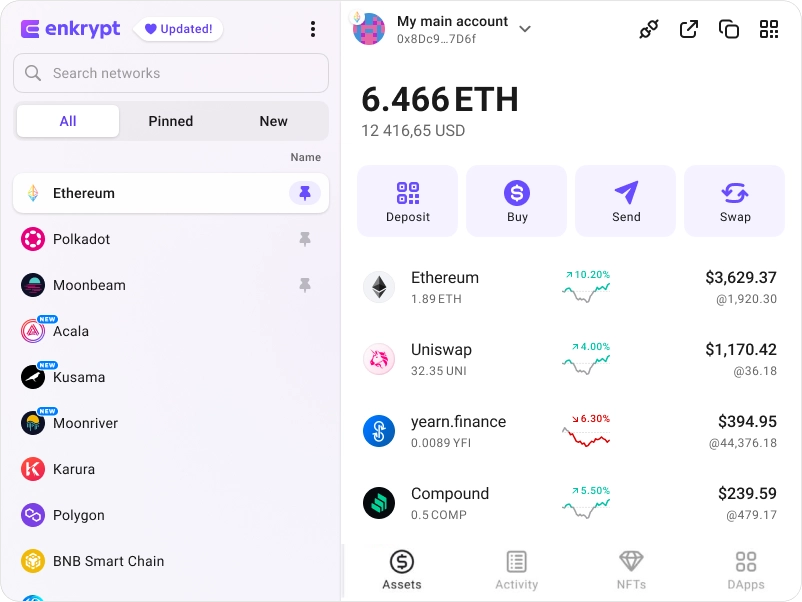
Install Browser OM Wallet

available as an extension for your favorite browser


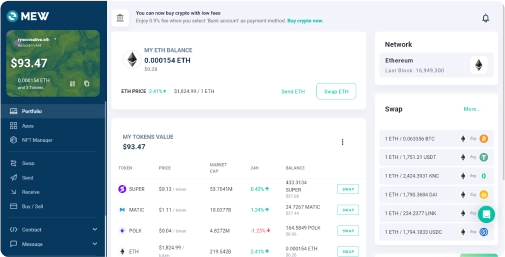
Why MyEtherWallet is the best MANTRA wallet in 2024?

Buy and sell crypto with your bank card.
Connect your Ledger or Trezor to add an extra layer of security.
Open sourced and community verified.
Manage multiple accounts on multiple networks
Swap crypto directly from your wallet.
What is MANTRA (OM)?
MANTRA is a security-first RWA Layer 1 Blockchain that aims to enforce real-world regulatory standards for institutions and developers while also providing a permissionless platform for permissioned apps. It is built with the Cosmos SDK and is IBC-compatible, with CosmWasm compatibility and scalability up to 10,000 TPS. It also includes built-in modules, SDKs, and APIs for building, trading, and maintaining compliant RWAs, as well as improving user experience to ensure that non-native users and institutions seamlessly interact with Web3. MANTRA is secured by a proof-of-stake mechanism, with the OM coin serving as the primary asset for network security. A main feature is the community governance model, which allows OM holders to propose and influence key decisions like chain upgrades and protocol integrations.
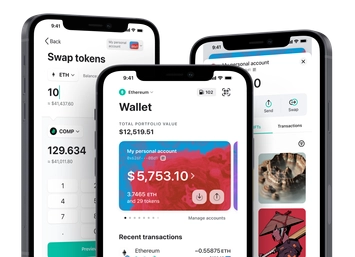
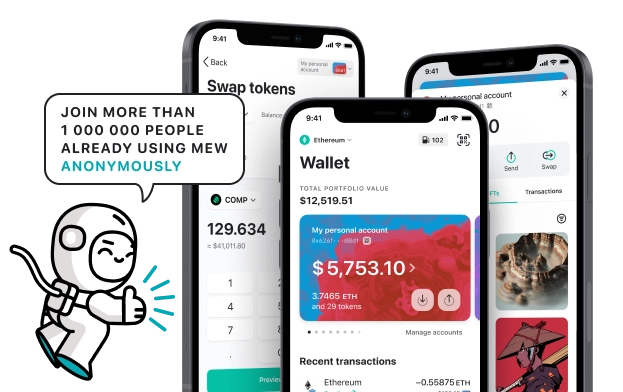
You can view, swap, send and receive OM tokens directly from your MEW Wallet. To receive your OM tokens you can send them to your public wallet address. You can then view them in your MEW Wallet by selecting your wallet and selecting the token from the tokens list. You should see the OM token information page. You can send your OM tokens in your MEW Wallet by clicking the ‘Send’ button and entering the recipient’s wallet address. To swap your OM tokens, you can click the ‘Swap’ button and choose which tokens you want to swap to. However, if the ‘Swap’ button is not active you will need to use a DEX to swap your tokens.
You can view, swap, send and receive OM tokens directly from your MEW Wallet. To receive your OM tokens you can send them to your public wallet address. You can then view them in your MEW Wallet by selecting your wallet and selecting the token from the tokens list. You should see the OM token information page. You can send your OM tokens in your MEW Wallet by clicking the ‘Send’ button and entering the recipient’s wallet address. To swap your OM tokens, you can click the ‘Swap’ button and choose which tokens you want to swap to. However, if the ‘Swap’ button is not active you will need to use a DEX to swap your tokens.
View OM Contracts
![MANTRA [Old] logo](/_ipx/f_webp&q_100&s_48x48/uploads/MANTRA_b0e3185101.png)
MANTRA [Old]
Binance Chain
Loading iamge
0xf78d2e7936f5fe18308a3b2951a93b6c4a41f5e2
Explore other tokens

Jasmy
JASMY

Synthetix
SNX

Alphabet Class A ($GOOGL) tokenized stock
GOOGLON

iShares Russell 2000 ETF ($IWM) tokenized stock
IWMON

BlackRock USD Institutional Digital Liquidity Fund
BUIDL

GameSwift
GSWIFT

Ternoa
CAPS

Artificial Superintelligence Alliance
FET

Ondo US Dollar Yield
USDY

Uniswap
UNI

GoMining
GOMINING

Nuco.cloud
NCDT

Undeads Games
UDS

Cult DAO
CULT

Block ($XYZ) tokenized stock
XYZON

Origin Protocol
OGN

Carbon
CSIX

Wrapped Bitcoin
WBTC

Ethereum
ETH

ANDY (ETH)
ANDY

Root Network
ROOT

Resolv USR
USR

WhiteBIT
WBT

Airbnb ($ABNB) tokenized stock
ABNBON