


The Best Wallet for Maker
Maker is one of the earliest DeFi platforms with a governance and stablecoin all accessible with MEW Wallet! Our user-friendly interface simplifies interactions with Maker and enables easy management of their native MKR token. MEW Wallet provides an efficient interface for storing, swapping, sending, and receiving MKR tokens while ensuring secure interactions with Maker.

Install Mobile
MKR Wallet

MEW wallet
Available for iOS and Android


Install Browser MKR Wallet

available as an extension for your favorite browser


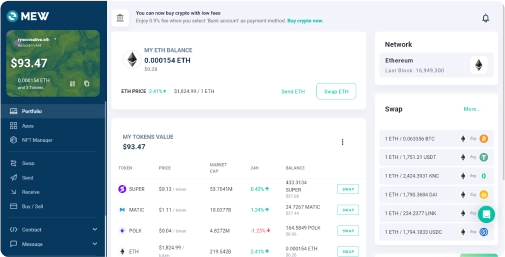
Why MyEtherWallet is the best Maker wallet in 2024?

Our non-custodial wallets mean you own your crypto.
Swap crypto directly from your wallet.
Manage multiple accounts on multiple networks
Buy and sell crypto with your bank card.
Manage your NFTs quickly and easily.
What is Maker (MKR)?
Maker (MKR) allows governance inside the MakerDAO organization and Maker Protocol, which are both protocols on Ethereum that allow users to manage the DAI stablecoin. Maker has played an important role in the development of DAI, a decentralized cryptocurrency whose value is linked to the US dollar. Unlike some cryptocurrencies which distribute rewards, MKR tokens grant holders voting rights over Maker Protocol's development.
If you’re holding MKR, the governance token of the MakerDAO ecosystem, choosing the right wallet is crucial for security, convenience, and maximizing your crypto potential. A reliable wallet not only safeguards your MKR tokens but also allows you to seamlessly participate in MakerDAO’s decentralized governance, vote on proposals, and earn rewards. Look for wallets that support Ethereum-based tokens like MKR, offering features such as staking, swapping, and integration with decentralized applications (dApps).
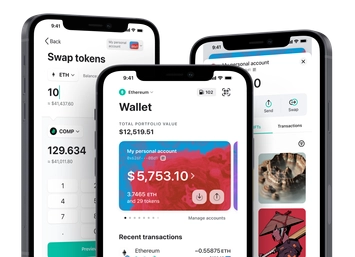
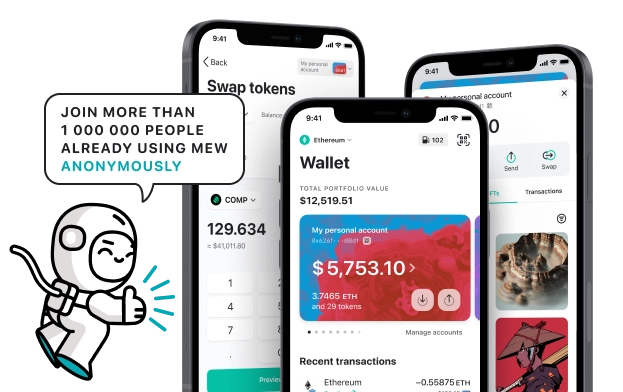
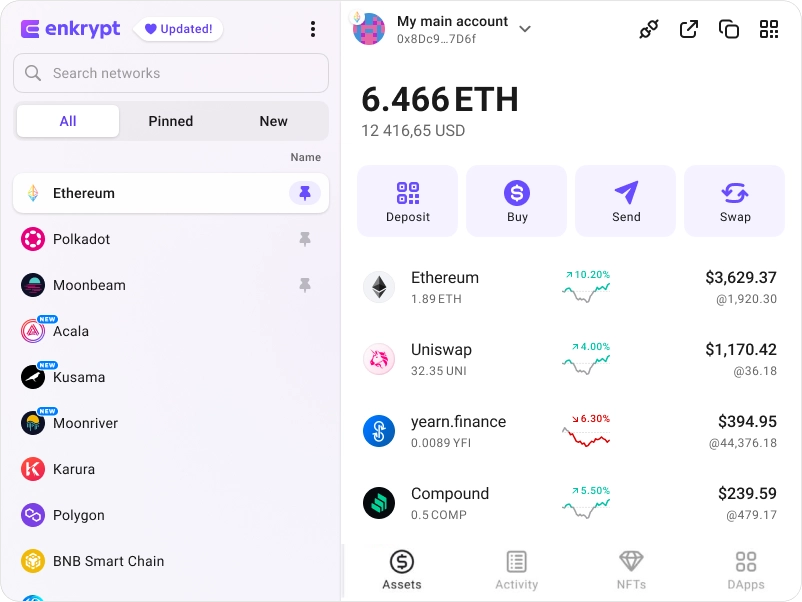
You can view, swap, send and receive MKR tokens directly from your MEW Wallet. To receive your MKR tokens you can send them to your public wallet address. You can then view them in your MEW Wallet by selecting your wallet and selecting the token from the tokens list. You should see the MKR token information page. You can send your MKR tokens in your MEW Wallet by clicking the ‘Send’ button and entering the recipient’s wallet address. To swap your MKR tokens, you can click the ‘Swap’ button and choose which tokens you want to swap to. However, if the ‘Swap’ button is not active you will need to use a DEX to swap your tokens.
If you’re holding MKR, the governance token of the MakerDAO ecosystem, choosing the right wallet is crucial for security, convenience, and maximizing your crypto potential. A reliable wallet not only safeguards your MKR tokens but also allows you to seamlessly participate in MakerDAO’s decentralized governance, vote on proposals, and earn rewards. Look for wallets that support Ethereum-based tokens like MKR, offering features such as staking, swapping, and integration with decentralized applications (dApps).
You can view, swap, send and receive MKR tokens directly from your MEW Wallet. To receive your MKR tokens you can send them to your public wallet address. You can then view them in your MEW Wallet by selecting your wallet and selecting the token from the tokens list. You should see the MKR token information page. You can send your MKR tokens in your MEW Wallet by clicking the ‘Send’ button and entering the recipient’s wallet address. To swap your MKR tokens, you can click the ‘Swap’ button and choose which tokens you want to swap to. However, if the ‘Swap’ button is not active you will need to use a DEX to swap your tokens.
View MKR Contracts

Explore other tokens

Swell Ethereum
SWETH

Loopring
LRC

Render
RENDER

Polyhedra Network
ZKJ

Currency One USD
C1USD

BitGo Holdings ($BTGO) tokenized stock
BTGOON

ParagonsDAO
PDT

Gravity
G

Victoria VR
VR

Kendu Inu
KENDU

AMD ($AMD) tokenized stock
AMDON

Bad Idea AI
BAD

Wrapped Beacon ETH
WBETH

SuperVerse
SUPER

Cartesi
CTSI

Maple Finance
SYRUP

Wrapped stETH
WSTETH

LSS
LSS

Rootstock
RBTC
SyrupUSDC
SYRUPUSDC

iExec RLC
RLC

apM
APM

TrueUSD
TUSD

Highstreet
HIGH