


The Best Wallet for LEO Token
Unlock the full potential of the iFinex ecosystem, start holding LEO Token today to access exclusive Bitfinex services with MEW Wallet! Our user-friendly interface makes it easy to interact with the LEO token. MEW Wallet provides an efficient interface for storing, swapping, sending, and receiving LEO tokens.

Install Mobile
LEO Wallet

MEW wallet
Available for iOS and Android


Install Browser LEO Wallet

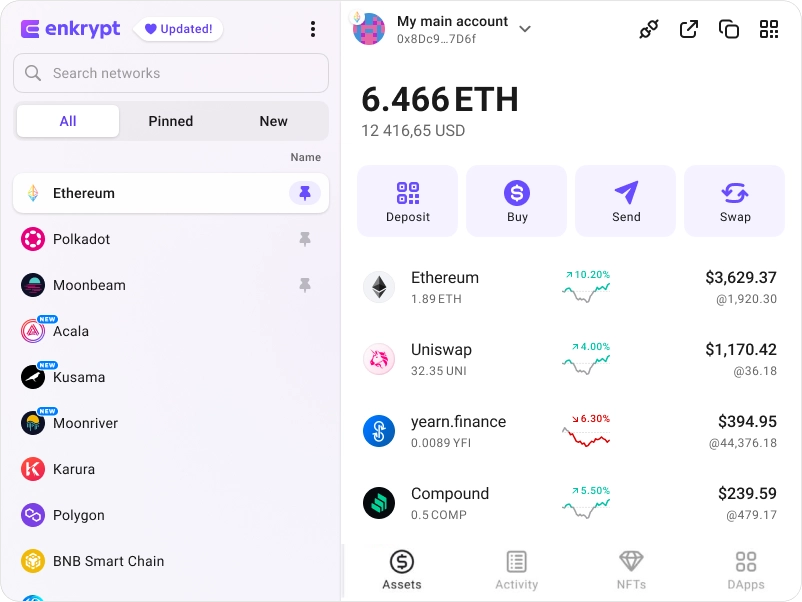
available as an extension for your favorite browser


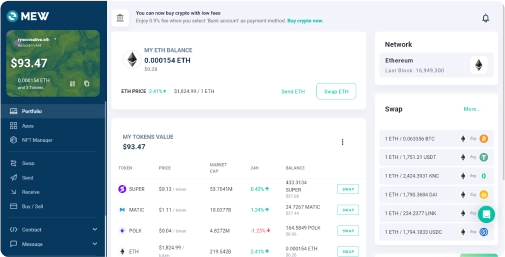
Why MyEtherWallet is the best LEO Token wallet in 2024?

Manage multiple accounts on multiple networks
Discover new and interesting projects across blockchains.
Connect your Ledger or Trezor to add an extra layer of security.
All of Ethereum and so much more natively integrated.
Buy and sell crypto with your bank card.
What is LEO Token (LEO)?
LEO Token is a utility token central to the iFinex ecosystem, primarily used for unlocking services on Bitfinex. It features a token burn mechanism, where iFinex buys back and burns a minimum of 27% of its monthly revenues' worth of LEO tokens, continuing until all tokens are redeemed. LEO tokens were uniquely issued on both Ethereum (64%) and EOS (36%) blockchains.
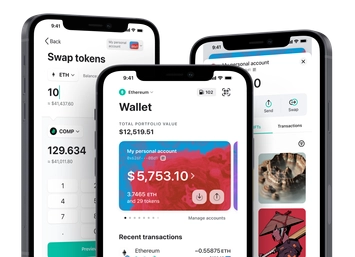
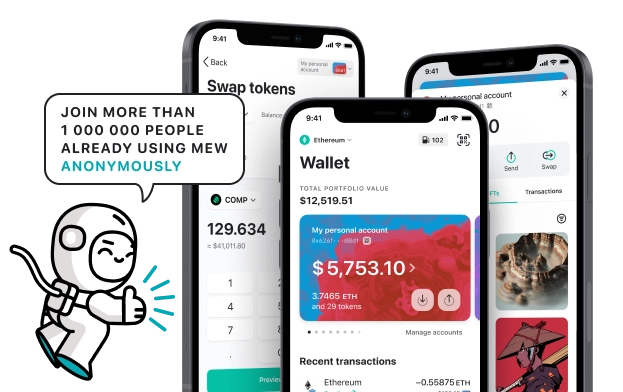
You can view, swap, send and receive LEO tokens directly from your MEW Wallet. To receive your LEO tokens you can send them to your public wallet address. You can then view them in your MEW Wallet by selecting your wallet and selecting the token from the tokens list. You should see the LEO token information page. You can send your LEO tokens in your MEW Wallet by clicking the ‘Send’ button and entering the recipient’s wallet address. To swap your LEO tokens, you can click the ‘Swap’ button and choose which tokens you want to swap to. However, if the ‘Swap’ button is not active you will need to use a DEX to swap your tokens.
You can view, swap, send and receive LEO tokens directly from your MEW Wallet. To receive your LEO tokens you can send them to your public wallet address. You can then view them in your MEW Wallet by selecting your wallet and selecting the token from the tokens list. You should see the LEO token information page. You can send your LEO tokens in your MEW Wallet by clicking the ‘Send’ button and entering the recipient’s wallet address. To swap your LEO tokens, you can click the ‘Swap’ button and choose which tokens you want to swap to. However, if the ‘Swap’ button is not active you will need to use a DEX to swap your tokens.
View LEO Contracts

Explore other tokens

Cult DAO
CULT

Node AI
GPU

DOLA
DOLA

Polyhedra Network
ZKJ

Injective
INJ

Aragon
ANT

ChainGPT
CGPT

Ÿ
YAI

Adobe ($ADBE) tokenized stock
ADBEON

Arkham
ARKM

Fidelity Digital Interest Token
FDIT

Ondo US Dollar Yield
USDY

Gravity
G

Lido Staked Ether
STETH

Victoria VR
VR

Fasttoken
FTN

Sky
SKY

Tether
USDT

Blast
BLAST

Morpho
MORPHO

PolkaBridge
PBR

Polkadot
DOT

Sandbox
SAND

Curve DAO
CRV