


The Best Wallet for K9 Finance
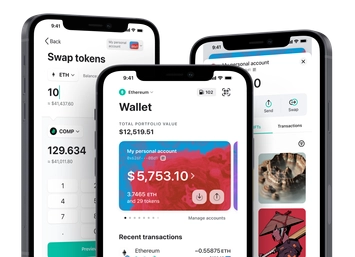
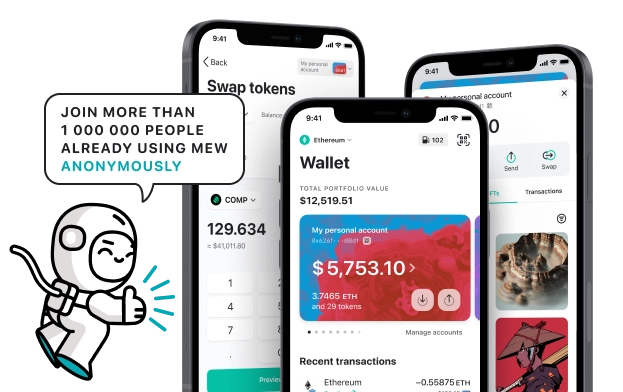
Try out K9 Finance’s decentralized liquid staking platform and participate in their Decentralized Autonomous Organization with MEW Wallet! Our user-friendly interface simplifies interactions with K9 Finance and enables easy management of their native KNINE token. MEW Wallet provides an efficient interface for storing, swapping, sending, and receiving KNINE tokens while ensuring secure interactions with K9 Finance.

Install Mobile
KNINE Wallet

MEW wallet
Available for iOS and Android


Install Browser KNINE Wallet

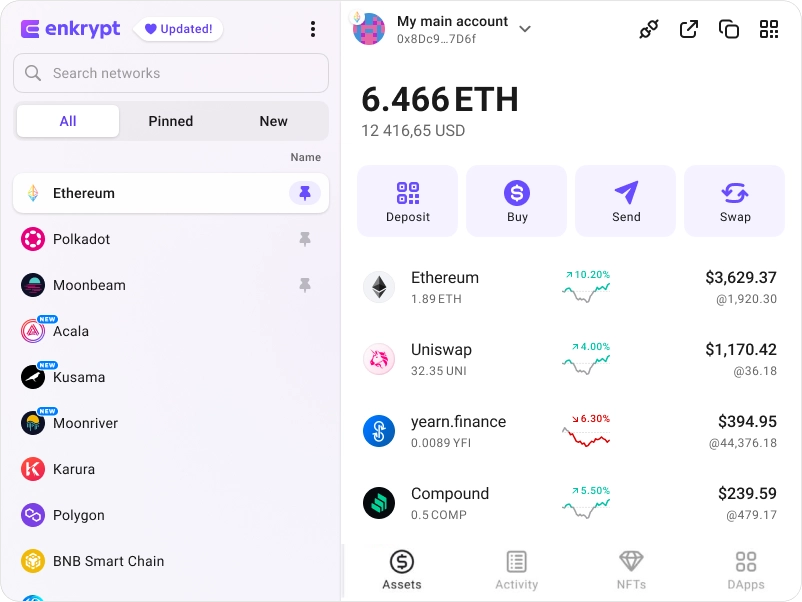
available as an extension for your favorite browser


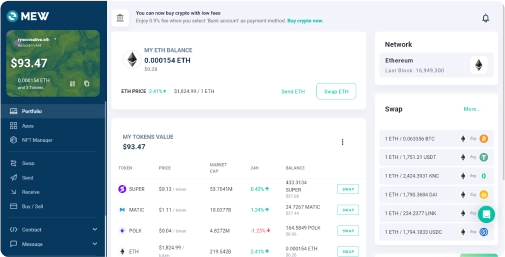
Why MyEtherWallet is the best K9 Finance wallet in 2024?

Native staking options to earn more on your crypto.
Discover new and interesting projects across blockchains.
Buy and sell crypto with your bank card.
Manage your NFTs quickly and easily.
Swap crypto directly from your wallet.
What is K9 Finance (KNINE)?
K9 Finance is a decentralized finance (DeFi) solution built on the Shibarium blockchain that transforms staking methods through liquid staking, allowing for more usability and participation in a variety of DeFi applications without limiting assets. The platform is based on a three-token structure: $KNINE, $knBONE, and $esKNINE. $KNINE supports governance through K9 Finance's Decentralized Autonomous Organization (DAO), which encourages participation in decision-making procedures and increased use of its products, as well as other DeFi applications on Shibarium. In the system, $knBONE serves as a proof-of-stake token, while $esKNINE is an escrowed version of $KNINE that can be converted into $KNINE after a vesting period.
You can view, swap, send and receive KNINE tokens directly from your MEW Wallet. To receive your KNINE tokens you can send them to your public wallet address. You can then view them in your MEW Wallet by selecting your wallet and selecting the token from the tokens list. You should see the KNINE token information page. You can send your KNINE tokens in your MEW Wallet by clicking the ‘Send’ button and entering the recipient’s wallet address. To swap your KNINE tokens, you can click the ‘Swap’ button and choose which tokens you want to swap to. However, if the ‘Swap’ button is not active you will need to use a DEX to swap your tokens.
You can view, swap, send and receive KNINE tokens directly from your MEW Wallet. To receive your KNINE tokens you can send them to your public wallet address. You can then view them in your MEW Wallet by selecting your wallet and selecting the token from the tokens list. You should see the KNINE token information page. You can send your KNINE tokens in your MEW Wallet by clicking the ‘Send’ button and entering the recipient’s wallet address. To swap your KNINE tokens, you can click the ‘Swap’ button and choose which tokens you want to swap to. However, if the ‘Swap’ button is not active you will need to use a DEX to swap your tokens.
View KNINE Contracts

Explore other tokens

SPECTRE AI
SPECTRE

Venus
XVS

Enjin
ENJ

AMC Entertainment ($AMC) tokenized stock
AMCON

Carbon
CSIX

1inch
1INCH

Spell Token
SPELL

SpookySwap
BOO

Bio Protocol
BIO

LSS
LSS

Compounding OpenDollar
CUSDO

Rollbit Coin
RLB

Forta
FORT

Centrifuge
CFG

Wrapped stETH
WSTETH

Treehouse
TREE

MANTRA
OM

Maple Finance
SYRUP

apM
APM

Adobe ($ADBE) tokenized stock
ADBEON

SolvBTC
SOLVBTC

Block ($XYZ) tokenized stock
XYZON

Blast
BLAST

Agoras: Currency of Tau
AGRS