


The Best Wallet for Cryptex Finance
Try out Cryptex Finance's innovative synthetics option trading and participate in their Decentralized Autonomous Organization with MEW Wallet! Our user-friendly interface simplifies interactions with Cryptex Finance and enables easy management of their native CTX token. MEW Wallet provides an efficient interface for storing, swapping, sending, and receiving CTX tokens while ensuring secure interactions with Cryptex Finance.

Install Mobile
CTX Wallet

MEW wallet
Available for iOS and Android


Install Browser CTX Wallet

available as an extension for your favorite browser


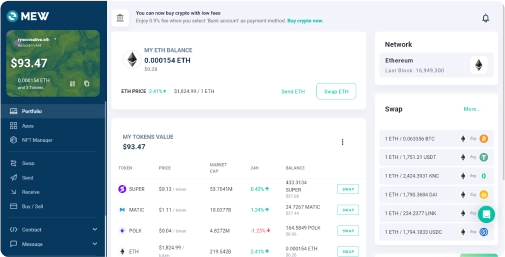
Why MyEtherWallet is the best Cryptex Finance wallet in 2024?

Discover new and interesting projects across blockchains.
Open sourced and community verified.
Buy and sell crypto with your bank card.
Manage your NFTs quickly and easily.
Connect your Ledger or Trezor to add an extra layer of security.
What is Cryptex Finance (CTX)?
Cryptex Finance is a Decentralized Autonomous Organization (DAO) that provides innovative, open-source financial solutions to the global cryptocurrency community. Cryptex Finance provides secure, decentralized trading options using Chainlink/Pyth data oracles and Perennial derivatives vaults, which are built on Ethereum's smart contract system and the Arbitrum Network. The protocol includes innovative features such as the Total Market Cap Token (TCAP) and various decentralized perpetual contracts. Key features include long/shorting an expanding array of synthetic assets, leverage trading up to 100x, and the ability to passively provide liquidity for market making in exchange for rewards. Cryptex Finance also has incredibly competitive fees, ranging from 2 to 5 bps. The organization's governance is driven by CTX token holders who participated in a fair launch, giving them the ability to vote on proposals, protocol improvements, and treasury management, adding to Cryptex's transparent, community-driven culture.
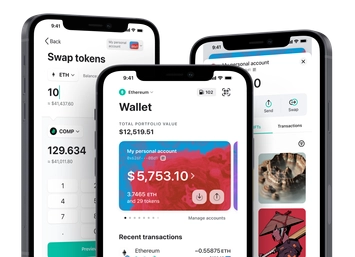
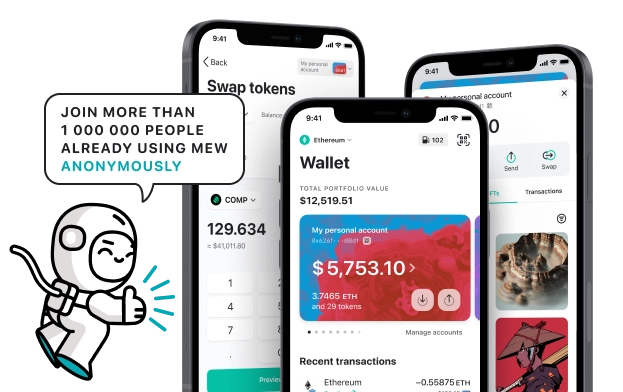
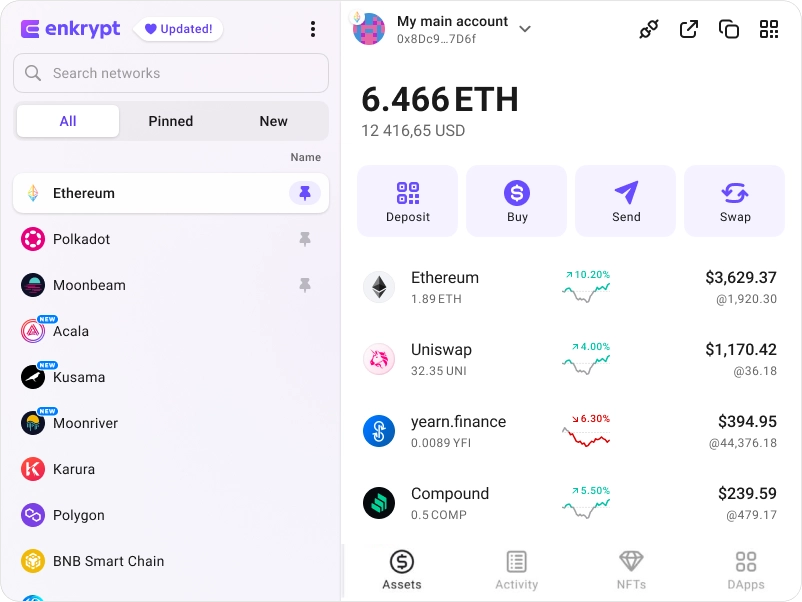
You can view, swap, send and receive CTX tokens directly from your MEW Wallet. To receive your CTX tokens you can send them to your public wallet address. You can then view them in your MEW Wallet by selecting your wallet and selecting the token from the tokens list. You should see the CTX token information page. You can send your CTX tokens in your MEW Wallet by clicking the ‘Send’ button and entering the recipient’s wallet address. To swap your CTX tokens, you can click the ‘Swap’ button and choose which tokens you want to swap to. However, if the ‘Swap’ button is not active you will need to use a DEX to swap your tokens.
You can view, swap, send and receive CTX tokens directly from your MEW Wallet. To receive your CTX tokens you can send them to your public wallet address. You can then view them in your MEW Wallet by selecting your wallet and selecting the token from the tokens list. You should see the CTX token information page. You can send your CTX tokens in your MEW Wallet by clicking the ‘Send’ button and entering the recipient’s wallet address. To swap your CTX tokens, you can click the ‘Swap’ button and choose which tokens you want to swap to. However, if the ‘Swap’ button is not active you will need to use a DEX to swap your tokens.
View CTX Contracts

Explore other tokens

Syndicate
SYND

Creditcoin
CTC

Lido DAO
LDO

iShares TIPS Bond ETF ($TIP) tokenized stock
TIPON

Mantle
MNT

DOLA
DOLA

Icon
ICX

Oasis
ROSE

Stratos
STOS

SPX6900
SPX

Carbon
CSIX

EigenLayer
EIGEN

Volt Inu
VOLT

Aave
AAVE

World Liberty Financial USD
USD1

Cryptex Finance
CTX

Ternoa
CAPS

Aevo
AEVO

Sky
SKY

Gravity
G

Compounding OpenDollar
CUSDO

Stader MaticX
MATICX

UNCX
UNCX

Exeedme
XED