


The Best Wallet for Ternoa
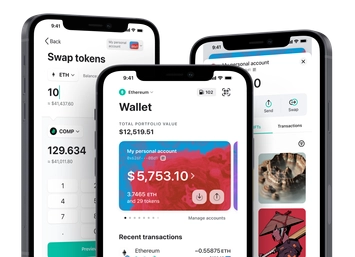
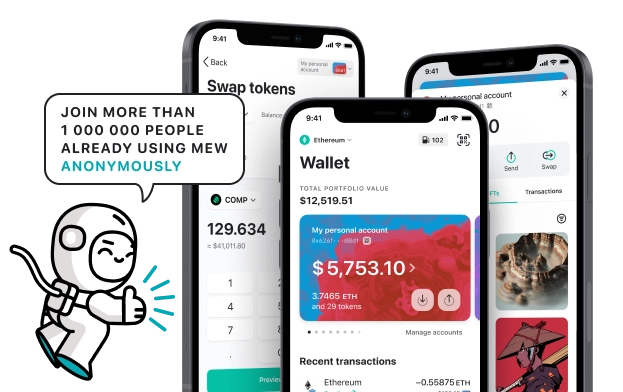
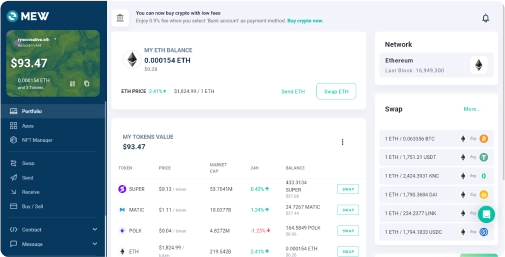
Experience the optimum interaction with the Ternoa protocol using MEW Wallet! MEW Wallet offers a flawless user experience with the protocol and the native CAPS tokens. The intuitive UI makes it easy to store, trade, send, and receive CAPS tokens, while ensuring a seamless connection to the Ternoa protocol. With MEW Wallet, engaging with Ternoa's protocol has never been simpler.

Install Mobile
CAPS Wallet

MEW wallet
Available for iOS and Android


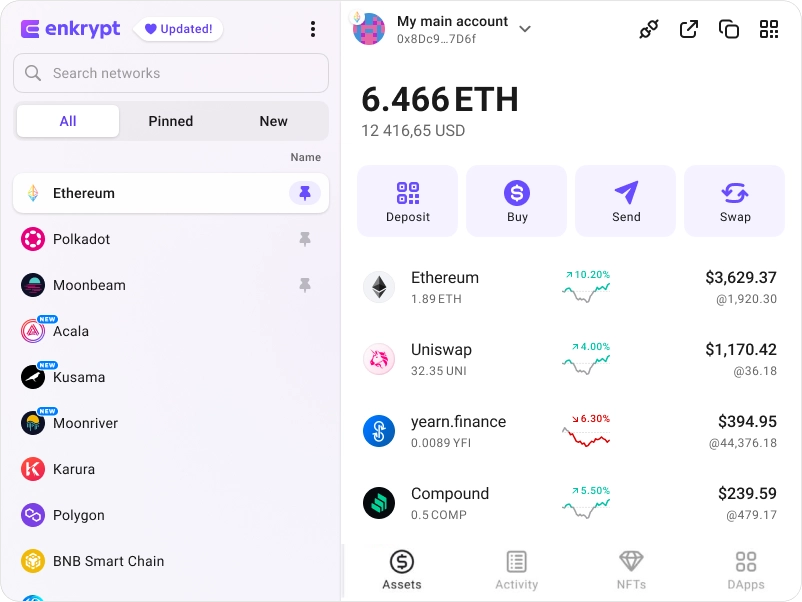
Install Browser CAPS Wallet

available as an extension for your favorite browser


Why MyEtherWallet is the best Ternoa wallet in 2024?

Native staking options to earn more on your crypto.
Manage multiple accounts on multiple networks
Manage your NFTs quickly and easily.
Open sourced and community verified.
Hodl you crypto in a wallet trusted by millions.
What is Ternoa (CAPS)?
Ternoa is a multi-layer, multi-network protocol which utilizes confidential computing technology to enhance blockchain security, privacy, and scalability. Its technology stack blends distributed ledger and confidential computing technologies, offering a decentralized yet private environment for next-gen apps. Ternoa encompasses three independent yet linked networks: Ternoa Chain, a Layer 1 blockchain network enabling the deployment of smart contracts; Ternoa Fortress, a decentralized, TEE-powered network used as a key management system; and Ternoa zkEVM, a Layer 2 validium secured with TEE multi-proofs that will be available in the mainnet in 2024. Since its launch, Ternoa has aimed to pioneer new privacy and security use cases, with its mainnet L1 live since 2022 and its multi-chain architecture set to launch in 2024.
You can view, swap, send and receive CAPS tokens directly from your MEW Wallet. To receive your CAPS tokens you can send them to your public wallet address. You can then view them in your MEW Wallet by selecting your wallet and selecting the token from the tokens list. You should see the CAPS token information page. You can send your CAPS tokens in your MEW Wallet by clicking the ‘Send’ button and entering the recipient’s wallet address. To swap your CAPS tokens, you can click the ‘Swap’ button and choose which tokens you want to swap to. However, if the ‘Swap’ button is not active you will need to use a DEX to swap your tokens.
You can view, swap, send and receive CAPS tokens directly from your MEW Wallet. To receive your CAPS tokens you can send them to your public wallet address. You can then view them in your MEW Wallet by selecting your wallet and selecting the token from the tokens list. You should see the CAPS token information page. You can send your CAPS tokens in your MEW Wallet by clicking the ‘Send’ button and entering the recipient’s wallet address. To swap your CAPS tokens, you can click the ‘Swap’ button and choose which tokens you want to swap to. However, if the ‘Swap’ button is not active you will need to use a DEX to swap your tokens.
View CAPS Contracts

Explore other tokens

Bad Idea AI
BAD

Pandora
PANDORA

Lido DAO
LDO

Spell Token
SPELL

Ondo US Dollar Yield
USDY

Delysium
AGI

ShapeShift
FOX

Perion
PERC

StarkNet
STRK

LimeWire
LMWR

Forta
FORT

Moonriver
MOVR

Nuco.cloud
NCDT

Coupon Assets
CA

Exeedme
XED

Metacade
MCADE

Currency One USD
C1USD

Redfox
RFOX

DIA
DIA

iShares Russell 2000 ETF ($IWM) tokenized stock
IWMON

DAI
DAI

SafePal
SFP

Blast
BLAST

Injective
INJ