


The Best Wallet for bitsCrunch
Access bitsCrunch’s decentralized AI-enhanced data network with MEW Wallet! Our interface offers effortless interaction with bitsCrunch’s native BCUT token. MEW Wallet provides a user-friendly interface for storing, trading, sending, and receiving BCUT tokens while maintaining access to the bitsCrunch platform.

Install Mobile
BCUT Wallet

MEW wallet
Available for iOS and Android


Install Browser BCUT Wallet

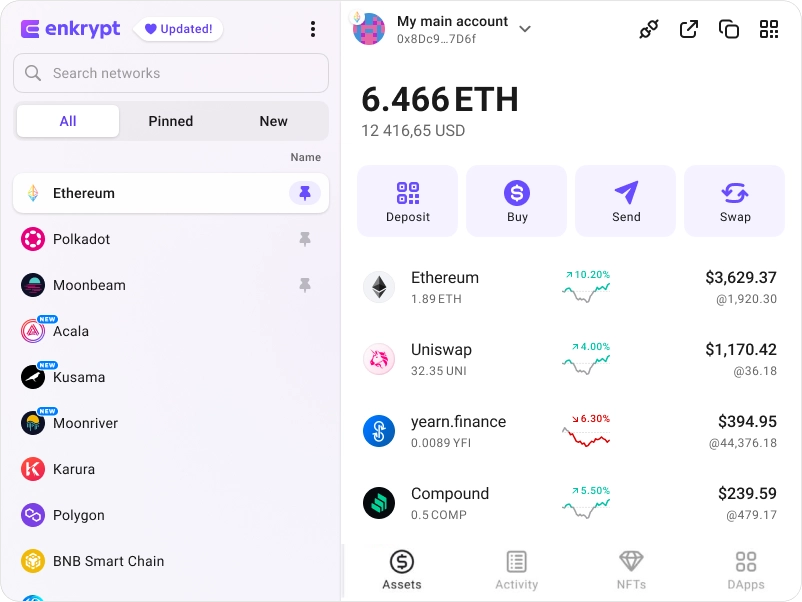
available as an extension for your favorite browser


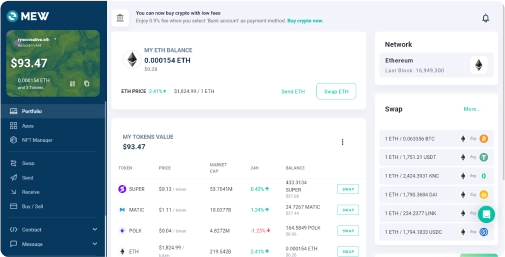
Why MyEtherWallet is the best bitsCrunch wallet in 2024?

Connect your Ledger or Trezor to add an extra layer of security.
All of Ethereum and so much more natively integrated.
Our non-custodial wallets mean you own your crypto.
Discover new and interesting projects across blockchains.
Manage multiple accounts on multiple networks
What is bitsCrunch (BCUT)?
bitsCrunch is a decentralized, AI-enhanced data network designed to transform blockchain analytics. It offers comprehensive and accessible analytics and forensic data for NFTs, digital assets, and wallets on the public blockchain. Its user-friendly APIs serve as a foundation for diverse application development, while the single API offers simplified multi-chain integration. bitsCrunch performs advanced forensic analysis to aid Web3 apps in identifying risks, ensuring security and compliance. bitsCrunch promotes enhancement and expansion of its services by Encouraging community contributions. Its decentralized infrastructure, led by multiple query processor nodes, improves scalability and robust data management. Additionally, it has a predictable cost structure, where users use stablecoins to pay for queries, ensuring ease in cost estimation and budget planning.
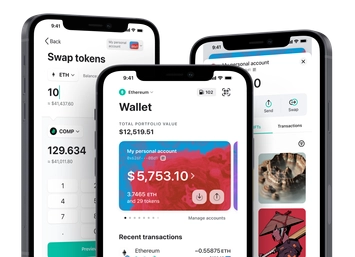
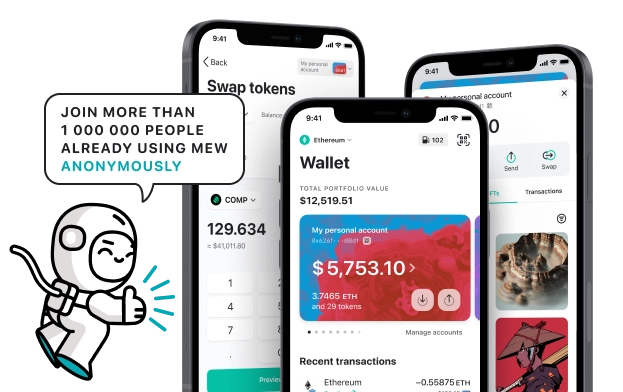
You can view, swap, send and receive BCUT tokens directly from your MEW Wallet. To receive your BCUT tokens you can send them to your public wallet address. You can then view them in your MEW Wallet by selecting your wallet and selecting the token from the tokens list. You should see the BCUT token information page. You can send your BCUT tokens in your MEW Wallet by clicking the ‘Send’ button and entering the recipient’s wallet address. To swap your BCUT tokens, you can click the ‘Swap’ button and choose which tokens you want to swap to. However, if the ‘Swap’ button is not active you will need to use a DEX to swap your tokens.
You can view, swap, send and receive BCUT tokens directly from your MEW Wallet. To receive your BCUT tokens you can send them to your public wallet address. You can then view them in your MEW Wallet by selecting your wallet and selecting the token from the tokens list. You should see the BCUT token information page. You can send your BCUT tokens in your MEW Wallet by clicking the ‘Send’ button and entering the recipient’s wallet address. To swap your BCUT tokens, you can click the ‘Swap’ button and choose which tokens you want to swap to. However, if the ‘Swap’ button is not active you will need to use a DEX to swap your tokens.
View BCUT Contracts

Explore other tokens

Fluence
FLT

Lombard Staked BTC
LBTC

Nuco.cloud
NCDT

Savings Dai
SDAI

Restaked Swell Ethereum
RSWETH

Torum
XTM

Rocket Pool
RPL

Numerico
NWC

Highstreet
HIGH

Telcoin
TEL

Morpho
MORPHO

Ether.fi
ETHFI

Airbnb ($ABNB) tokenized stock
ABNBON

Ternoa
CAPS

Electric Vehicle Zone
EVZ

PolkaBridge
PBR

Chainge Finance
XCHNG

Clover Finance
CLV

Vertex
VRTX

Tokenize Xchange
TKX

Squidgrow
SQGROW

Sandbox
SAND

Syndicate
SYND

Currency One USD
C1USD