



The Best Wallet for Automata Network
MEW Wallet provides a highly secure experience while participating on the Automata Network. Our user-friendly interface streamlines interactions with the Automata Network and allows for efficient utilization of their native ATA tokens. MEW Wallet was designed to provide an optimal user experience, with a streamlined UI for storing, trading, transferring, and receiving ATA tokens.

Install Mobile
ATA Wallet

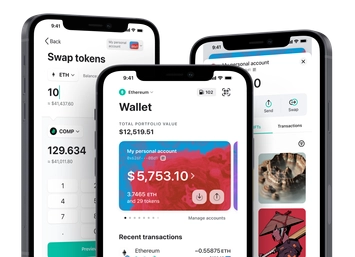
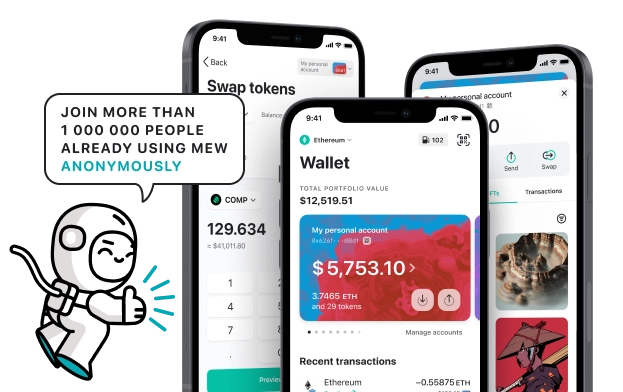
MEW wallet
Available for iOS and Android


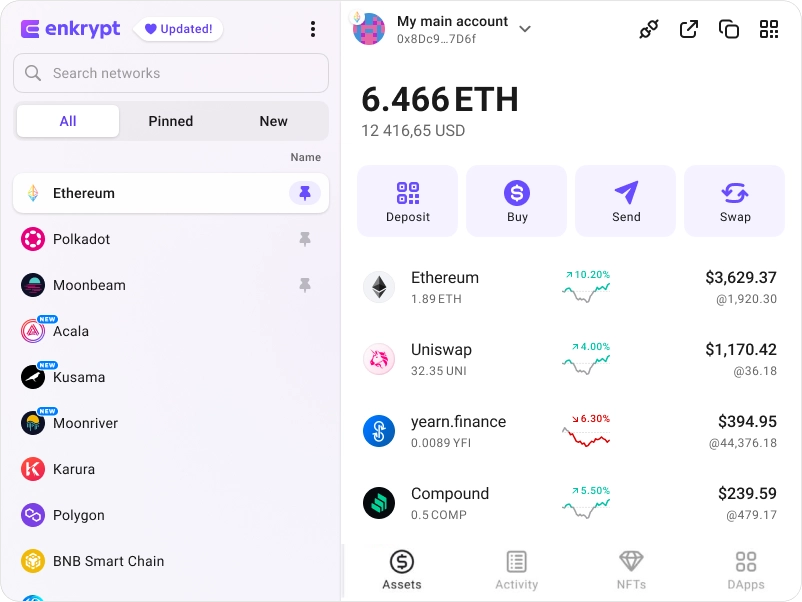
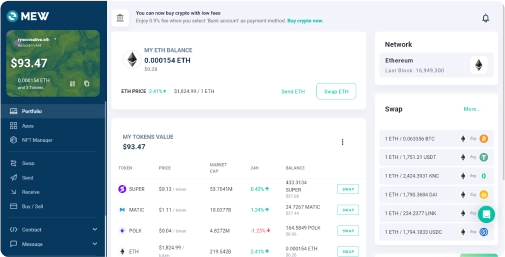
Install Browser ATA Wallet

available as an extension for your favorite browser


Why MyEtherWallet is the best Automata Network wallet in 2024?

Buy and sell crypto with your bank card.
Native staking options to earn more on your crypto.
Hodl you crypto in a wallet trusted by millions.
Our non-custodial wallets mean you own your crypto.
Swap crypto directly from your wallet.
What is Automata Network (ATA)?
Automata Network is a modular attestation layer that enhances trust in computing machines by certifying their authenticity using blockchain technology, specifically Ethereum. It makes use of Trusted Execution Environment (TEE) Coprocessors, which are validated computation engines that run on the EigenLayer Mainnet and enhance Ethereum's capabilities through specialized processing. These coprocessors serve as a hardware root of trust, providing verifiable computing to the blockchain and ensuring execution integrity through secure enclaves. Their rapid deployment and relatively low processing costs make them appealing and reasonable. This technique promotes a globally decentralized network of attestations across both hardware and software components, emphasizing Ethereum as a global verifier. Automata contributes to an open, verifiable, and cooperative Ethereum-aligned future by enabling Multi-Prover systems, providing fairness and anonymity to RPC relays, and creating blocks within encrypted enclaves. AltLayer's one-click deployment support for Automata's modular structure makes this process even easier.
You can view, swap, send and receive ATA tokens directly from your MEW Wallet. To receive your ATA tokens you can send them to your public wallet address. You can then view them in your MEW Wallet by selecting your wallet and selecting the token from the tokens list. You should see the ATA token information page. You can send your ATA tokens in your MEW Wallet by clicking the ‘Send’ button and entering the recipient’s wallet address. To swap your ATA tokens, you can click the ‘Swap’ button and choose which tokens you want to swap to. However, if the ‘Swap’ button is not active you will need to use a DEX to swap your tokens.
You can view, swap, send and receive ATA tokens directly from your MEW Wallet. To receive your ATA tokens you can send them to your public wallet address. You can then view them in your MEW Wallet by selecting your wallet and selecting the token from the tokens list. You should see the ATA token information page. You can send your ATA tokens in your MEW Wallet by clicking the ‘Send’ button and entering the recipient’s wallet address. To swap your ATA tokens, you can click the ‘Swap’ button and choose which tokens you want to swap to. However, if the ‘Swap’ button is not active you will need to use a DEX to swap your tokens.
View ATA Contracts

Explore other tokens

Frax Ether
FRXETH

PancakeSwap
CAKE

Cornucopias
COPI

Mantle Restaked ETH
CMETH

Azuro
AZUR

GYEN
GYEN

Holo
HOT

Sabai Protocol
SABAI

Alibaba ($BABA) tokenized stock
BABAON

Victoria VR
VR

US Yield Coin
USYC

Aragon
ANT

Numbers Protocol
NUM

Stargate Finance
STG

LSS
LSS

Karrat
KARRAT

Abbott ($ABT) tokenized stock
ABTON

sUSDS
SUSDS

Steakhouse USDC Morpho Vault
STEAKUSDC

PepeCoin
PEPECOIN

Tribe
TRIBE

Succinct
PROVE

Moonriver
MOVR

Exeedme
XED